
One Editing Tip Before Nepal
The Weekly Frame #24: April 23rd, 2026

Hi friends,
I’m writing this one from somewhere over the Pacific. By the time it lands in your inbox I'll be in Kathmandu, probably eating some noodles and triple-checking that I packed the right camera batteries.
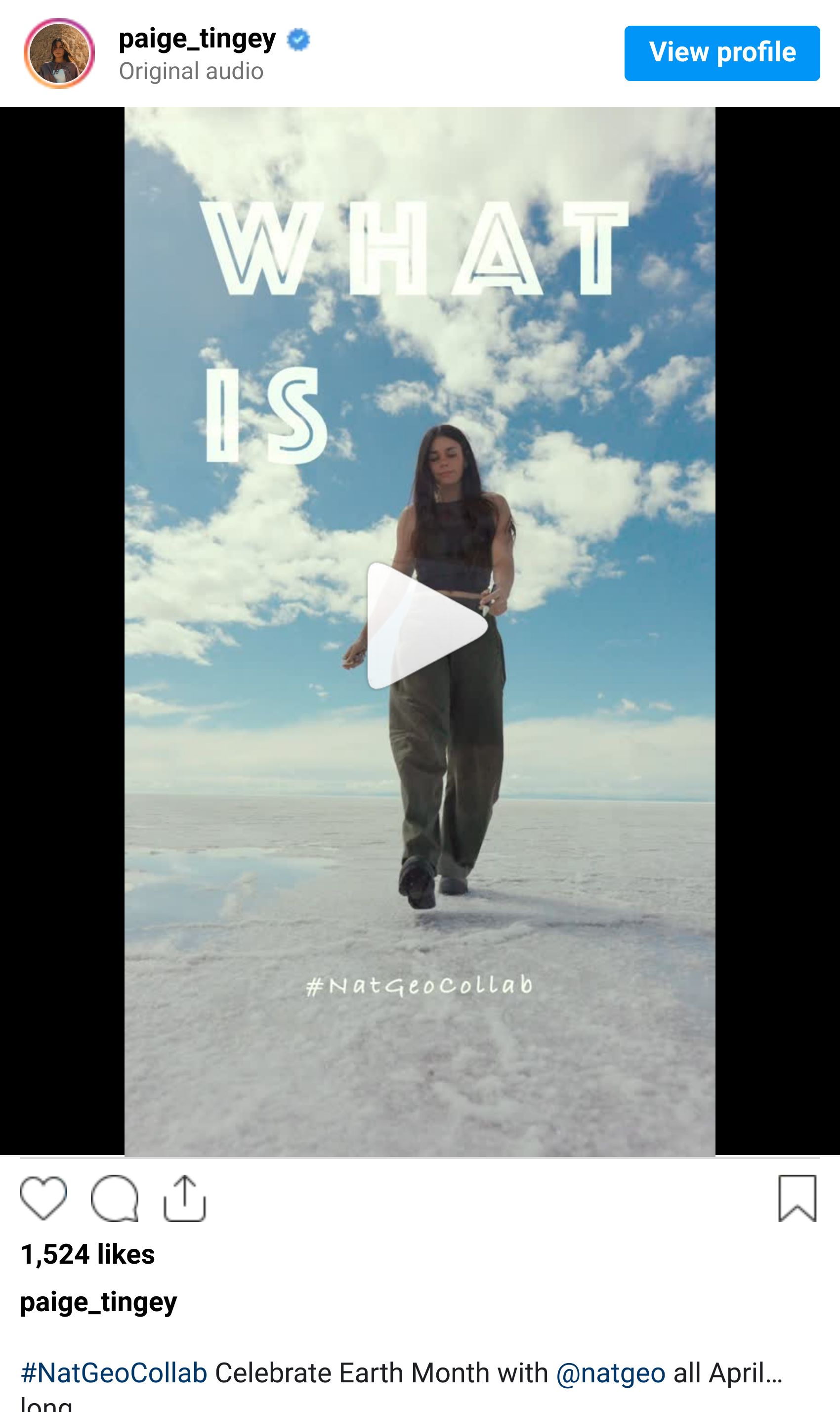
The last week has been a chaotic blur. Between packing, unpacking, filming a new perspective video on the whiteboard (which half the internet has now pointed out is actually a blackboard), and putting the finishing touches on my Earth Month piece with National Geographic, the Nepal trip snuck up fast.
I'll have a day or two in Kathmandu before the trek starts. Ten days on the Manaslu Circuit, villages, suspension bridges, yak caravans, and a high pass above 5,000 meters that I've been mentally rehearsing for weeks. I'll be off the grid for most of it, so Instagram might get a little quiet until I'm back down.
Before I disappear into the mountains, a quick editing tip I've been leaning on a lot lately.
Tip of the Week: Stop Using Texture, Clarity, and Dehaze the Same Way

These three sliders sit right next to each other in Lightroom, and most photographers treat them as variations of the same thing. They're not. Each one targets a completely different part of your image, and using the wrong one is a big reason edits can end up looking crunchy, plasticky, or just off.
Texture works on fine detail. Think tree bark, stone walls, fabric, skin pores, individual hairs. Pushing Texture up adds subtle sharpness to small-scale information. Pulling it down smooths skin or reduces fine distractions like noise in a clean sky. It's surgical.
Clarity works on midtone contrast, which is usually what we mean when we say a photo has "punch." Pushing Clarity up makes clouds look more dramatic and adds weight to medium-sized shapes in your frame. Push it too far and skin, sky gradients, and soft edges start to look harsh.
Dehaze works on atmospheric veil. It's specifically built for situations where haze, fog, or smoke is flattening your contrast. Pushing Dehaze up on a hazy shot cuts through the fog and restores depth. Pulling it down on a clear image adds a subtle, dreamy haze that photographers often pay for in presets.
The rule of thumb I keep in my head: Texture for detail, Clarity for mood, Dehaze for atmosphere. If you've been dragging one of these sliders out of habit, swap in the right one and see how much cleaner the edit feels.
What's Happening in Photography Right Now

Sony names Citlali Fabián its 2026 Photographer of the Year. The Sony World Photography Awards ceremony wrapped in London last week, with the top prize going to Citlali Fabián for her series Bilha, Stories of My Sisters, a portrait project focused on Indigenous activists and artists in southern Mexico. The competition drew over 430,000 entries from more than 200 countries. Joel Meyerowitz received this year's Outstanding Contribution to Photography award, and the winning work is on view at Somerset House through May 4.
Adobe introduces Firefly AI Assistant. At NAB, Adobe announced a conversational interface that can run multi-step workflows across Photoshop, Lightroom, Premiere, and Illustrator from a single chat window. Instead of hunting through menus, you describe the outcome you want and the assistant orchestrates the steps behind the scenes. Public beta rolls out in the coming weeks, and Adobe confirmed it will eventually connect with third-party AI models including Anthropic's Claude.
Creator Highlight: Joel Meyerowitz (Outstanding Contribution to Photography 2026)

This week's creator highlight goes to a legend. Joel Meyerowitz just received the Outstanding Contribution to Photography award at the 2026 Sony World Photography Awards, joining a list of recipients that includes Sebastião Salgado, William Eggleston, and Susan Meiselas.
Meyerowitz was one of the earliest photographers to champion color film at a time when serious photography was expected to be black-and-white, and his street work from the 1960s and 70s essentially built the visual language we now associate with "cinematic" color photography. After 9/11, he was the only photographer granted unrestricted access to Ground Zero, and the archive he produced is one of the most important photojournalism projects of the last 25 years.
If you've never dug into his work, start with his Cape Light series. It's a masterclass in how color, soft natural light, and restraint can make an ordinary scene feel monumental. Six decades in, his instinct for framing a moment is still unmatched.
Gear Worth Mentioning: Sea to Summit Ultra-Sil Nano Dry Sack

This one's small, unglamorous, and probably the best dollar-for-dollar piece of protection you can keep in a camera bag.
The Ultra-Sil Nano Dry Sack is a waterproof stuff sack made from an ultralight siliconized fabric, with a roll-top closure that seals tight against water, dust, and sand. The 8L size packs down smaller than a fist, weighs under an ounce, and fits a mirrorless body plus a lens or two inside it. Roll the top down three or four times, clip the buckle, and your gear is sealed against a sudden downpour, a wet kayak floor, or a dust storm that rolls in while you're still setting up.
The reason to keep one in your bag isn't for full submersion, it's for the unpredictable stuff. River crossings on a trek, a zodiac ride to a beach shoot, salt spray on a coastal hike, a leaky water bottle inside a backpack. The kind of thing that doesn't seem like a risk until it ruins a $3,000 body or a full memory card.
They come in a handful of sizes, so it's worth grabbing two or three: a small one for batteries, cards, and a phone, and a larger one that can swallow a whole camera if the weather turns. At this price, there's almost no reason not to have one in every bag you own.
(Full transparency: I earn a small commission through this link. It helps keep this newsletter free and my coffee mug full. Thanks for supporting!)
One More Thing…

That's it for this week. The next time you hear from me, I'll either be somewhere between Soti Khola and Samagaon or, if the wifi gods are kind, firing off a dispatch from a teahouse. If things go quiet for a week, that's the reason.
This week's question: What's one shooting location that genuinely changed how you think about photography? Not the highlight-reel version, but the one that rearranged how you think about light, framing, or patience behind the camera. I'll be reading replies between flights and on rest days, and I'd love to hear them.
See you next week,
Paige
P.S. Curious how I edit my photos? These are the exact presets I use for almost every travel & landscape shoot (designed for both mobile and desktop).
P.P.S. Some of my most popular travel and landscape shots are available as prints through Big Wall Decor. If you've ever wanted one on your wall, check them out here.